Prepare your car
Workshop
All your cars in one place: activate, buy and customize them with paint, neon, plates and scenery. Each car earns paint points as it races.
How to open the Workshop
In the Garage, click the car image. Hovering over it shows Open Workshop. The Workshop lists every car in the game. At the top, five icons filter the list by how the car is obtained: all, Credit, one-time Steam purchase, event and DLC. Every car you own has a Customize button that opens that car's Paint and Customization tabs; the Workshop tab returns to the list.
Activate and buy cars
The list shows each car with its six base stats and its action buttons.
| Button | What it does |
|---|---|
| Active | Marks the car that is racing. Its row is highlighted. |
| Activate | Makes a car you already own the active one. |
| Customize | Opens that car's Paint and Customization, even if it is not the active car. |
| Price in Credit | Buys the car with Credit, after a confirmation. |
| Price in event currency | Buys the event car with the event currency, after a confirmation that shows the cost and your balance. |
| Price in money | Opens the Steam payment for a one-time purchase car. |
| Buy DLC | Opens the Premium Car Pack page on Steam. |
The event car shows the Event badge and, until you buy it, sits right after the active car. The event currency is spent from the in-game Inventory: any currency in your Steam Inventory must come back to the game first.
A car you buy becomes your active car right away, with the loadout that was in use; to go back to another car, use Activate on its row. The car change applies from the next race formed; the loadouts stay the same.
Mileage and levels
Each car has its own mileage. It adds up the distance of the races that car runs while you're present; if the car breaks down, the distance up to the breakdown counts.
A Tour race covers 6 to 12 km, depending on the track. Each level reached is worth one paint point.
| Level | Total mileage | Paint points |
|---|---|---|
| Level 1 | 800 km | +1 |
| Level 2 | 2,000 km | +1 |
| Level 3 | 3,750 km | +1 |
| Level 4 | 6,300 km | +1 |
| Level 5 | 9,950 km | +1 |
| Level 6 | 15,250 km | +1 |
| Level 7 | 23,000 km | +1 |
| Level 8 | 34,250 km | +1 |
| Level 9 | 50,550 km | +1 |
| Level 10 | 74,200 km | +1 |
After the last level, mileage keeps counting but no longer earns new points.
Colors and paint points
Each car has its own Paint: click Customize on its row, even if it is not the active car, and open the Paint tab. The Workshop tab returns to the car list. Each car's factory color comes unlocked. Each paint point unlocks a new color for that car, and the unlocked color is applied right away. After that, you can switch between your unlocked colors whenever you like, at no cost.
Points and colors belong to the car that earned them and don't carry over to another car. With a car's 10 points, every color in the palette is unlocked for it.
Neon and plate
In the Customization tab of Customize, you choose the car's neon and license plate. Each application costs DTR Coin from the game Inventory and replaces the previous one. With VIP active, neon and plates are free: whatever you apply stays on the car after VIP ends, and only the next change is charged.
| Item | How it works | Cost per application |
|---|---|---|
| Neon | Neon light in any color you like. Colors that are too dark are rejected, because they don't light up. | 20 DTR Coin |
| Plate | Exactly 3 characters, using letters A to Z and numbers, in one of the 7 plate colors. The letter color adjusts on its own for contrast. | 50 DTR Coin |
- Applying the neon or plate the car already has costs nothing.
- There is no removal: to change it, apply a different neon or plate.
- Neon and plates belong to the car they were applied to and don't carry over to another car.
- They show up everywhere your car does: Garage, Workshop, races and Driving Mode.
Sceneries
In the Customization tab of Customize, the Scenery area shows the game's sceneries, each with an animated preview. The scenery is the backdrop shown behind the track and the mascot during races and in Piloted Mode.
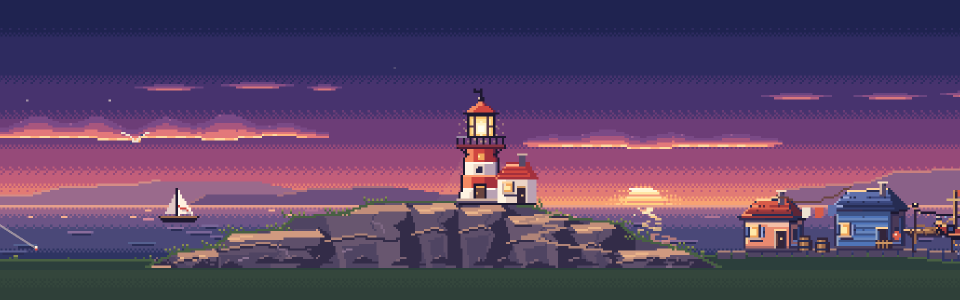
 100 DTR Coin
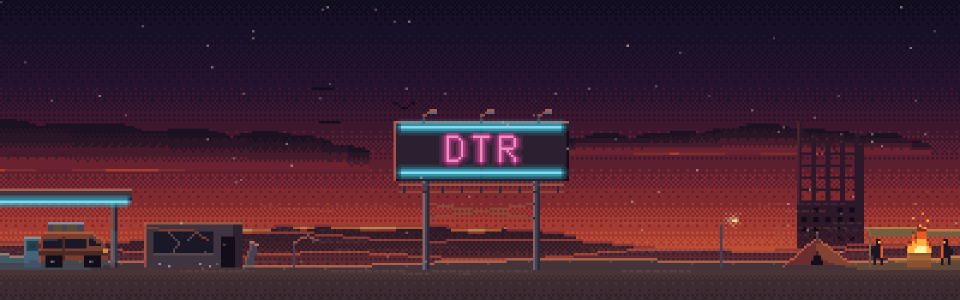 100 DTR Coin
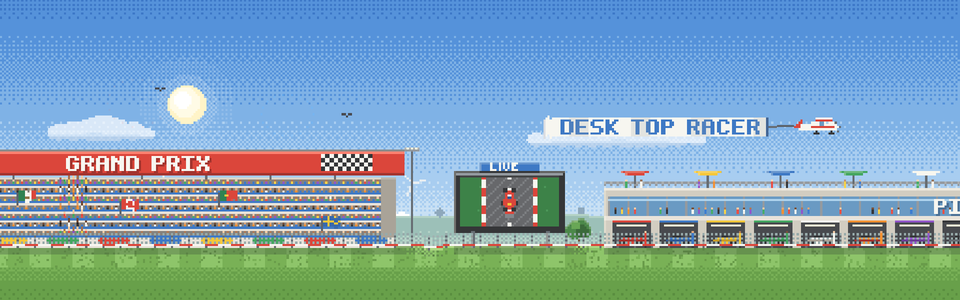 100 DTR Coin
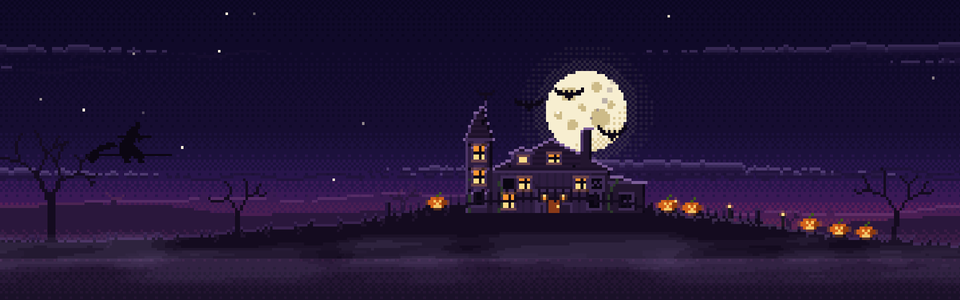
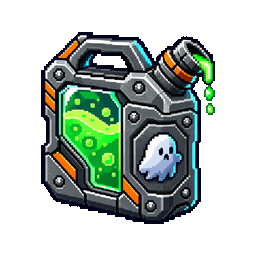 100 Spectrol
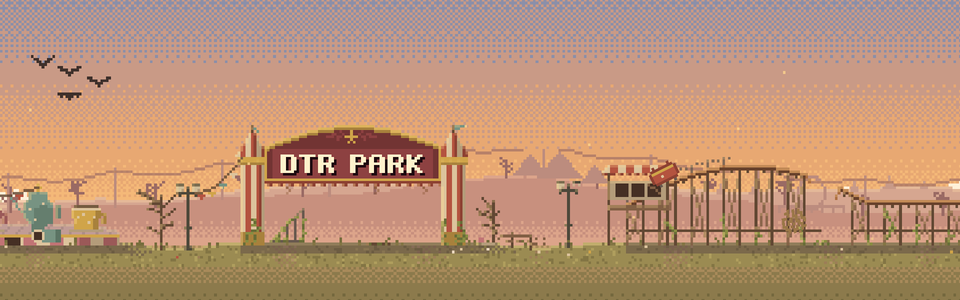 100 Spectrol
- Click a scenery to select it and Apply to use it with that car. Default leaves the race without a scenery.
- A locked scenery is unlocked right in Apply: the game asks for confirmation, charges the price only once and applies the scenery.
- Unlocked sceneries work for every car. Each car keeps its own, and you can switch whenever you like, at no cost.
- Only you see the scenery: other racers don't. Each car's choice is saved on this computer.
- With VIP active, every scenery can be used without unlocking it. When VIP ends, only unlocked sceneries apply.
Event sceneries are unlocked with the event currency. See the Halloween Event.
Your look on the track
The car races with the chosen paint, neon and plate, and every participant sees them. A change takes effect from the next race that forms; a race already in progress keeps the look it started with.
Paint, neon, plates and scenery are purely cosmetic: they don't change attributes, Power, performance or rewards.